How to Unlock Bootloader

Locked
Support
Posts: 3850
Joined: 19 Oct 2011, 20:27
Contact:

How to Unlock Bootloader

Post by Support »

How to Unlock Bootloader for SPD/Unisoc

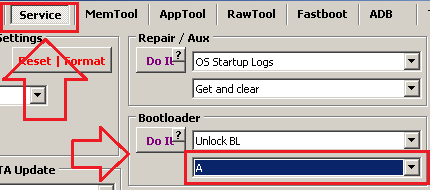
[CM2SP3] - [Connect] - [Service] - [Unlock BL] - [Method A] - [Do It]
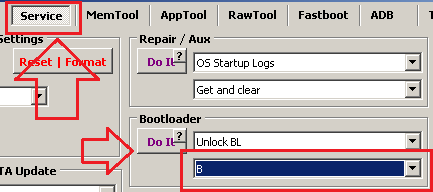
Power phone On and check bootlogo. If no [UNLOCK!!!] text on bootlogo: [Connect] - [Service] - [Unlock BL] - [Method B] - [Do It]
Power phone On and check bootlogo. If no [UNLOCK!!!] text on bootlogo: Selct DIAG mode at top left - [Connect], you will see firmware version and model name. Send both to Chat and Support will tell you something. The end of story for now.

Image


How to Unlock Bootloader for MTK

[CM2MT2] - [Connect] - [Service] - [Unlock BL] - [Do It]


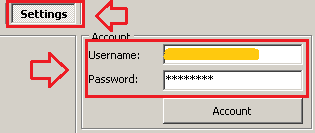
For tecno/infinix/itel you MUST enter valid Username and Password!
If you see Wrong username or password error message it means you entered wrong Username or Password.
For now process is free but valid Username and Password must be entered!
How to get username and password https://infinity-box.com/service/
Bruteforce, wait... one
Net fail Access denied `00....` Wrong username or password
oem nOk. BL may be still locked
Support
Posts: 3850
Joined: 19 Oct 2011, 20:27
Contact:

Re: How to Unlock Bootloader

Post by Support »

How to check is bootloader unlocked or not

Power phone On and see text at bootlogo:

With LOCKED bootloader you may see the next text:
- NO any text on boot logo at all
- Red State
- No valid OS found

With UNLOCKED bootloader you may see the next text:
- Orange State
- Yellow State
- UNLOCK!!!


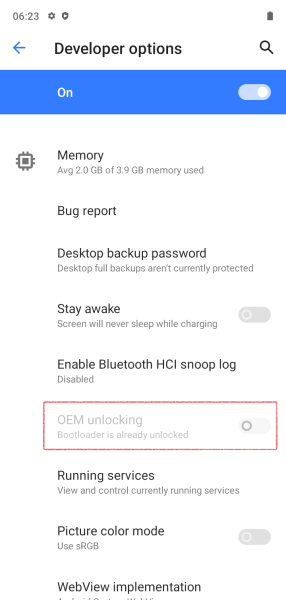
If message on bootlogo is absent and phone can be Powered On:
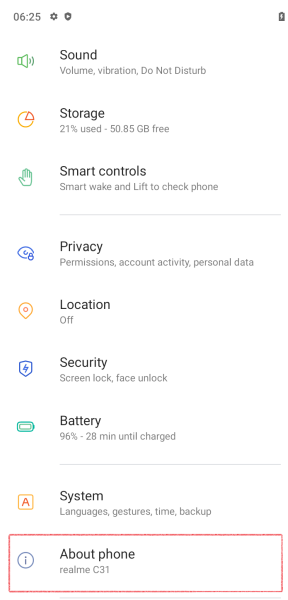
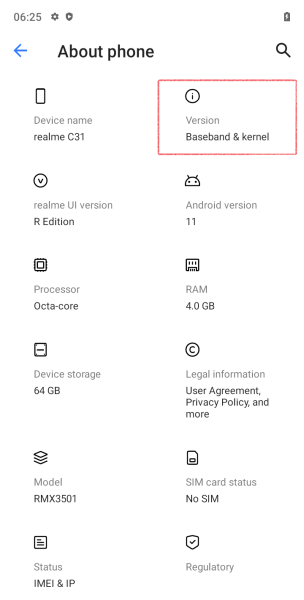
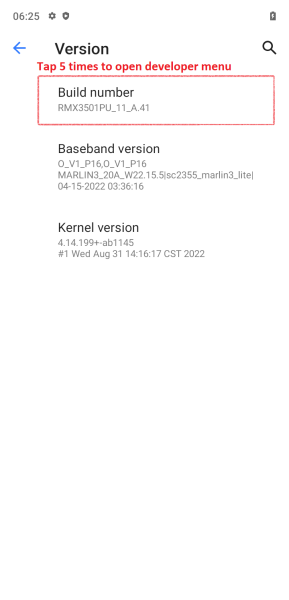
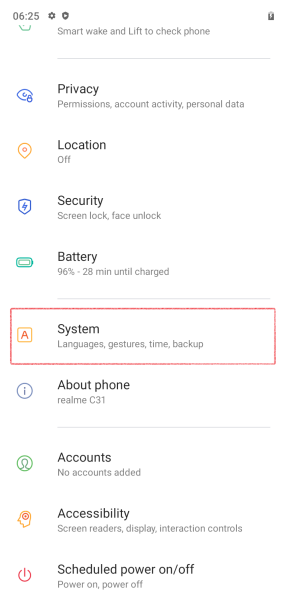
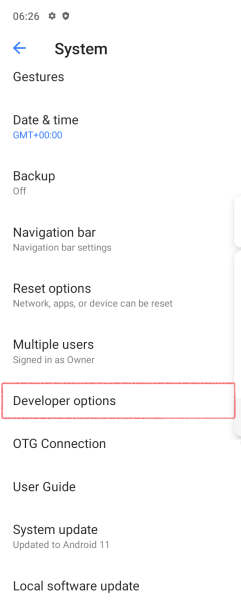
Go to smartphone Settings, enable Developer options and see OEM unlocking state:

Image

Image

Image

Image

Image

Image
Locked