![Infinity Box Dongle #CM2 [BEST] Support](./styles/simplicity_blue/theme/images/logo.png)
PRELOADER MODE: just connect cable
BOOTROM MODE: use BOOT KEY and connect cable. BOOT KEY may be Volume Up, Volume Down, both Volume keys, any other key, TEST-POINT
To boot in BOOTROM you have to select DA file and EMI/PRELOADER file for your device.
In most cases CM2 find correct EMI settings automatically.
In some cases you have to select EMI/PRELOADER file manually.
How to select EMI/PRELOADER file manually:
1. If you have factory firmware - select EM/PRELOADER frile from the firmware.
2. You can download PRELOADER file for your device from CM2 server. Backup files have PRELOADER.
Unpack backup file with 7-zip, you will see PRELOADER.bin after that.
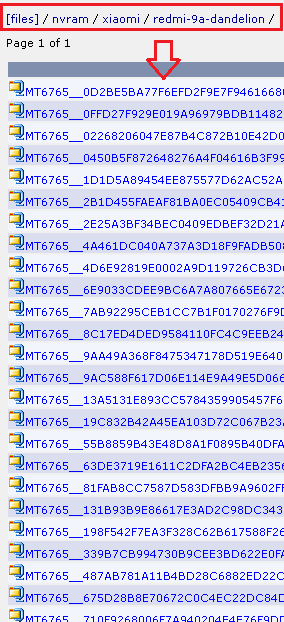
Select EMI/PRELOADER file this way:
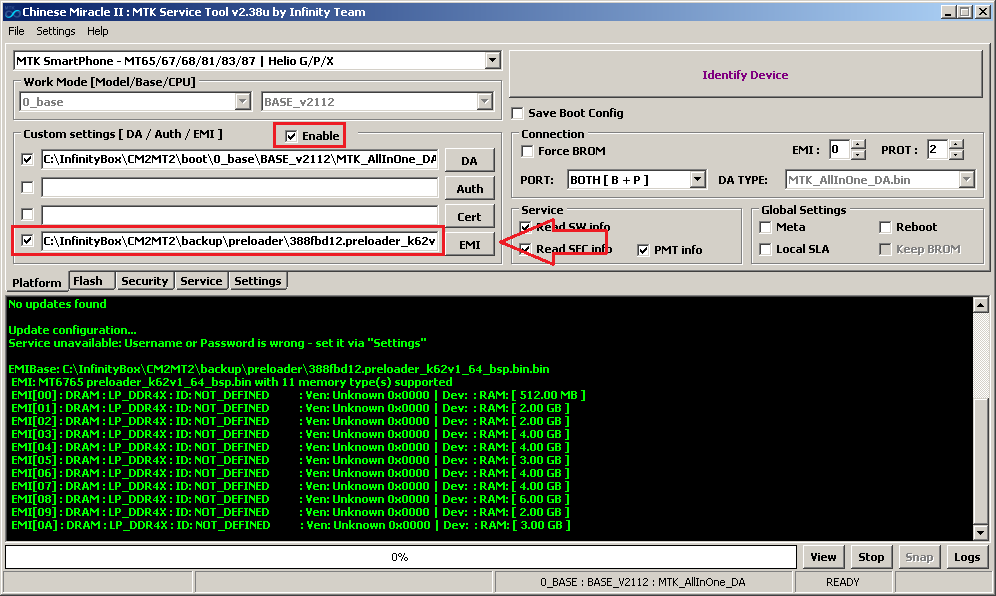
Set Auto EMI OFF in settings.
And now click to [Connect]
If you can't find backup or PRELOADER for your device you can try with PRELOADER from the other similar device.
You may check what hardware supported by PRELOADER file just to select it, CM2 print the PRELOADER content.
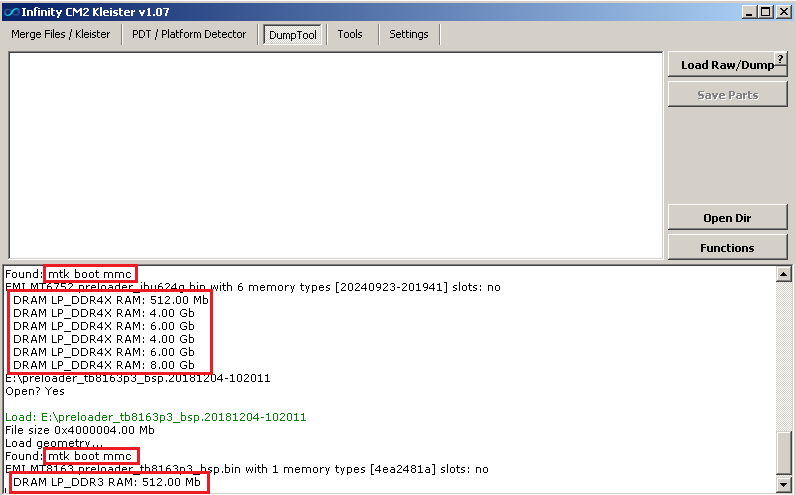
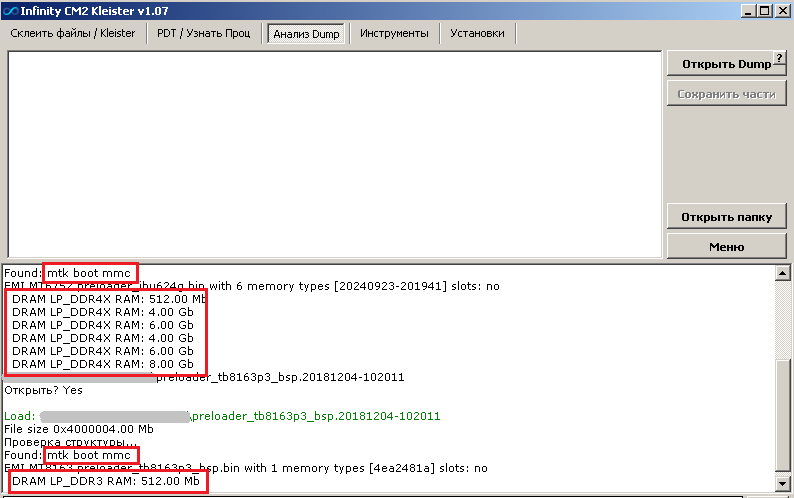
Also you can use FREE [DumpTool], just Drag and Drpo preloader file there and see PRELOADER content.